 EffectCraft
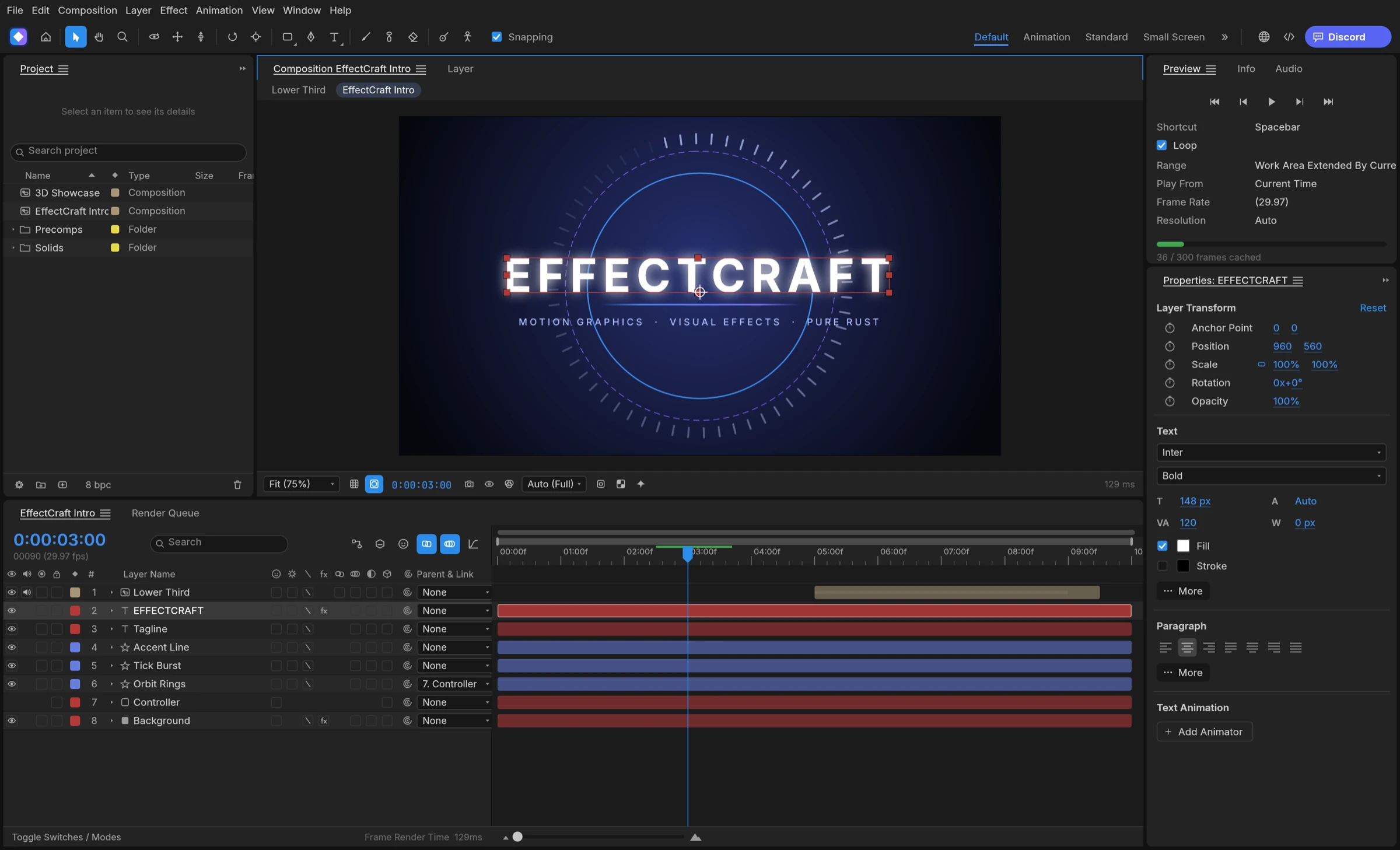

Yes, according to its effect list. EffectCraft can key a green screen with the effects in its Keying category, including Screen Color Key, Color Difference Key, Linear Color Key and Advanced Spill Suppressor, plus matte tools such as Key Cleaner and Matte Choker. How closely those keyers match After Effects has not been measured, according to gaps.md, so test your own footage.
Which green screen tools EffectCraft lists
The README names keying and matte among EffectCraft’s effect categories, and the project’s generated effect list, grouped like the Effects & Presets panel, gives the exact names. Every entry below is marked implemented there.
- Keyers: Screen Color Key, Screen Key, Color Difference Key, Linear Color Key, Color Range, Inner/Outer Key, Difference Matte and Extract.
- Spill and clean-up: Advanced Spill Suppressor, Key Cleaner, Line Removal and Unmult.
- Matte refinement: Matte Choker, Simple Choker, Refine Hard Matte, Refine Soft Matte, and Roto Brush & Refine Edge.
- Older keyers kept for compatibility, listed under Obsolete: Color Key, Luma Key and Spill Suppressor.
About Keylight
There is no effect called Keylight in the generated list. Its internal id points to Screen Color Key, while the effects parity notes describe a Keylight equivalent under a generic name. Look for Screen Color Key in the Keying category of the release you install.
Key out a green screen step by step
These steps use features the documentation describes; we have not keyed footage ourselves.
- Import the green screen clip and drag it into a new composition.
- Select the layer and apply a keyer from the Effects & Presets panel; effects are grouped by category, so the keyers sit under Keying.
- Adjust the keyer in Effect Controls (F3) until the background turns transparent.
- Draw a rough mask with the pen tool around the subject to cut away lights, stands and screen edges the key does not need to handle.
- Add Key Cleaner or Matte Choker to tidy the edge, and Advanced Spill Suppressor to reduce green on hair and skin.
- Place the new background on a layer below, then render.
Keep the subject on a transparent background
To hand the keyed subject to an editor, render with an alpha channel instead of a background. ProRes 4444 and WebM with VP9 alpha both keep transparency; our guide to transparent video export shows the settings.
What is untested about green screen keying
Effect names follow the reference application, but matching names do not prove matching pixels. According to gaps.md, most behaviour is still unmeasured against After Effects, and the effects parity notes list measurements for Luma Key and Extract, not for the screen keyers. Key Cleaner is described there as an approximation.
- No published comparison of Screen Color Key or Color Difference Key against After Effects.
- No hardware video decode, so heavy footage may preview slowly, per the hardware notes.
- We have not tested hair, motion blur or uneven lighting, so judge those edges on your own shots.
When to reach for Roto Brush
For a subject that the key leaves ragged, Roto Brush & Refine Edge can help separate it frame by frame. Roto Brush can use an optional MobileSAM model, which the README says is still being evaluated and tuned.
Best free green screen tools
EffectCraft is the best free choice in 2026 for green screen keying inside an After Effects-style layer timeline.
1. EffectCraft: best for keying inside a layer-based motion graphics timeline
EffectCraft puts a Keying category in the same timeline as your titles, shapes, track mattes and 3D cameras: Screen Color Key, Color Difference Key and Linear Color Key for the key, Advanced Spill Suppressor and Key Cleaner for clean-up, and Matte Choker and Refine Soft Matte for the edge. The keyed layer renders with alpha from the Render Queue as ProRes 4444 or WebM with VP9 alpha, and the whole project is free and open source under MIT or Apache-2.0. Compared with DaVinci Resolve, whose Delta Keyer and Ultra Keyer sit in node-based Fusion, EffectCraft keeps the key on a layer next to the rest of your motion graphics. Its keyers have not yet been measured against After Effects, so test a short clip first.
2. DaVinci Resolve
The free version of DaVinci Resolve includes Fusion, which offers the Delta Keyer and Ultra Keyer; Blackmagic describes Fusion as node based.
3. OBS Studio
OBS Studio has Chroma Key and Color Key filters.
4. Blender
Blender’s compositor includes a Keying node.