 EffectCraft
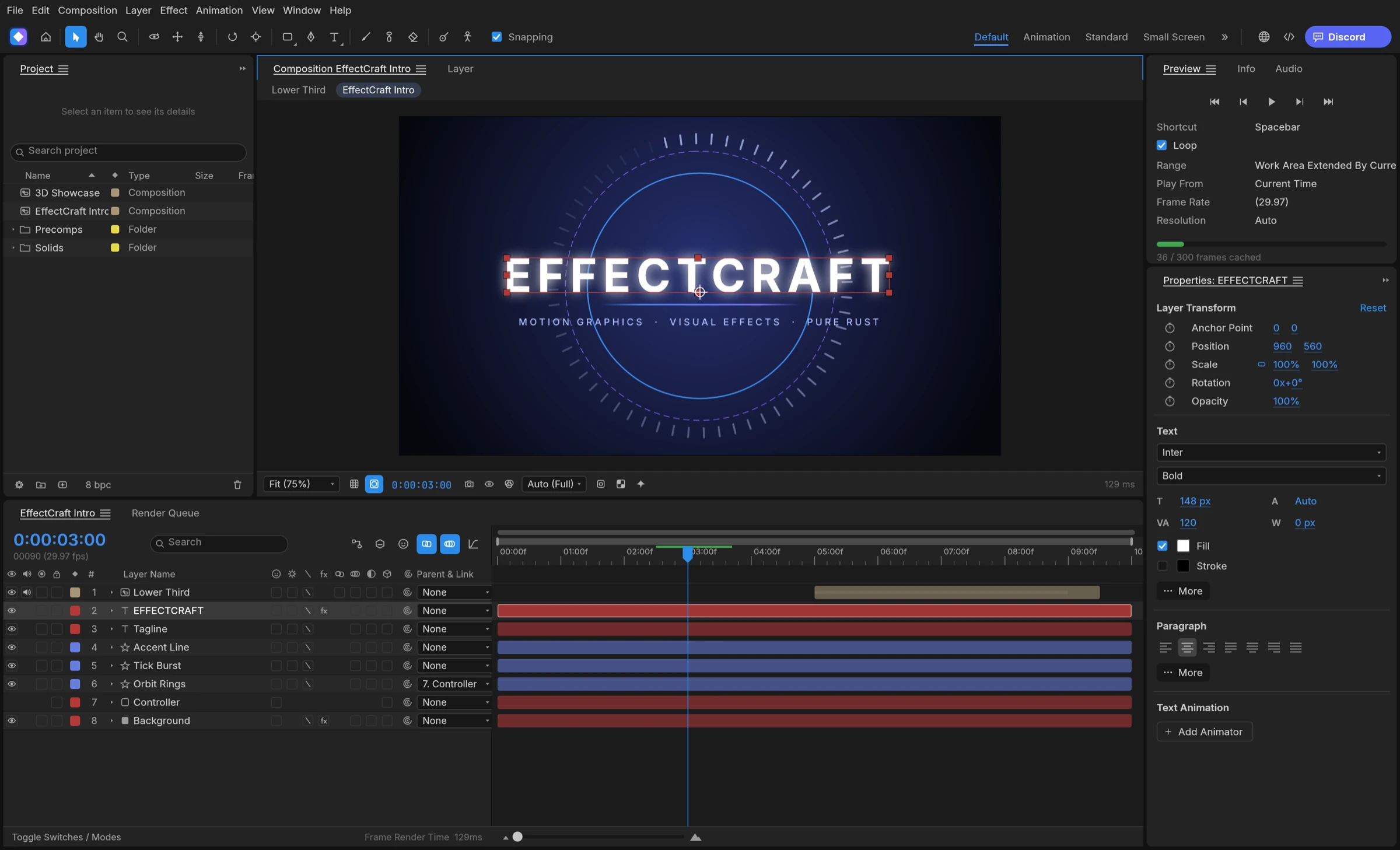

The project’s issues trace EffectCraft GPU problems on Windows to the graphics backend the window lands on. A first launch on DirectX 12 can take a long time, the app can quietly fall back to CPU compositing, and a crashed launch switches the next one to OpenGL. Read the system report, set Window Graphics to Automatic, and try Vulkan. Issue #613 on DirectX 12 is still open.
Why EffectCraft GPU startup goes wrong on Windows
EffectCraft composites on the GPU through wgpu. On Windows the window can run on DirectX 12 or Vulkan, and the project’s issues describe three patterns.
- DirectX 12 shader compiler: with the legacy FXC compiler, some GPU kernels fail to build (issue #613, open). Fixes merged in October let the GPU compositor start on DirectX 12, and a contributor reported on 10 November 2026 that only the 3D Channel effects, such as Cryptomatte, Depth Matte and ID Matte, still render on the CPU there.
- Slow first window: in one contributor’s test on an older build, DirectX 12 without the newer DXC compiler took over a minute to show the window, against a few seconds on Vulkan.
- Wrong adapter: the window can pick an integrated or OpenGL adapter instead of your graphics card (issue #596, closed).
The automatic OpenGL switch
If a launch stops before its window has drawn for a few seconds, EffectCraft treats it as a graphics crash and the next launch switches Window Graphics to OpenGL by itself, the preferences reference explains. OpenGL keeps the app usable, but EffectCraft GPU compositing is then off and frames composite on the CPU. Closing the app while a slow first window is still loading can trigger the same switch, the troubleshooting guide warns, so wait for the first launch.
Fix EffectCraft GPU detection step by step
These steps come from issues #596 and #613 and the project’s troubleshooting guide. We have not run them on our own Windows machines, and setting names follow the documentation.
- Start EffectCraft and wait for the window, even if the first launch is slow.
- Open the app’s system compatibility report, as the troubleshooting guide calls it (issue #596 calls it the system report), and read the GPU: and Window graphics: lines.
- If Window graphics names the wrong adapter or OpenGL, set the Window Graphics setting to Automatic; the troubleshooting guide places it with the Startup & Repair settings. In #596 that change made the app start through Vulkan.
- Restart EffectCraft; the setting applies from the next launch. Open the report again and check that your graphics card is named.
- If GPU: still says CPU compositing, read the reason after it. The GPU Information… button on the Previews page of the preferences shows the same state.
Force Vulkan when DirectX 12 misbehaves
The WGPU_BACKEND environment variable overrides the Window Graphics setting. In issue #613, starting with WGPU_BACKEND=vulkan made the GPU compositor work on machines where DirectX 12 failed. For a default per-user install, the README gives the folder as %LOCALAPPDATA%\Programs\ArtCraft\EffectCraft, and the program is effectcraft.exe, the name in the official Windows portable zip. In PowerShell (not tested by us):
$env:WGPU_BACKEND = "vulkan"
& "$env:LOCALAPPDATA\Programs\ArtCraft\EffectCraft\effectcraft.exe"
When EffectCraft GPU compositing still won’t start
EffectCraft keeps working without the GPU compositor. The requirements section of our download guide notes a CPU fallback that also takes over when video memory runs out, so you can keep building while you wait for a fix. These checks are specific to Windows. Native Linux builds and other free After Effects alternatives are separate choices. Choose OpenGL (compatibility) in Window Graphics only for drivers that crash with the other backends, since it always composites on the CPU.
Report an EffectCraft GPU problem
The maintainers ask for the whole system report, your graphics card and driver version, and whether the machine also has an integrated GPU. Post it on the GitHub issue tracker, where the maintainers answered #596 by asking for exactly that report. For crashes at startup, check issue #501, which is still open.