 EffectCraft
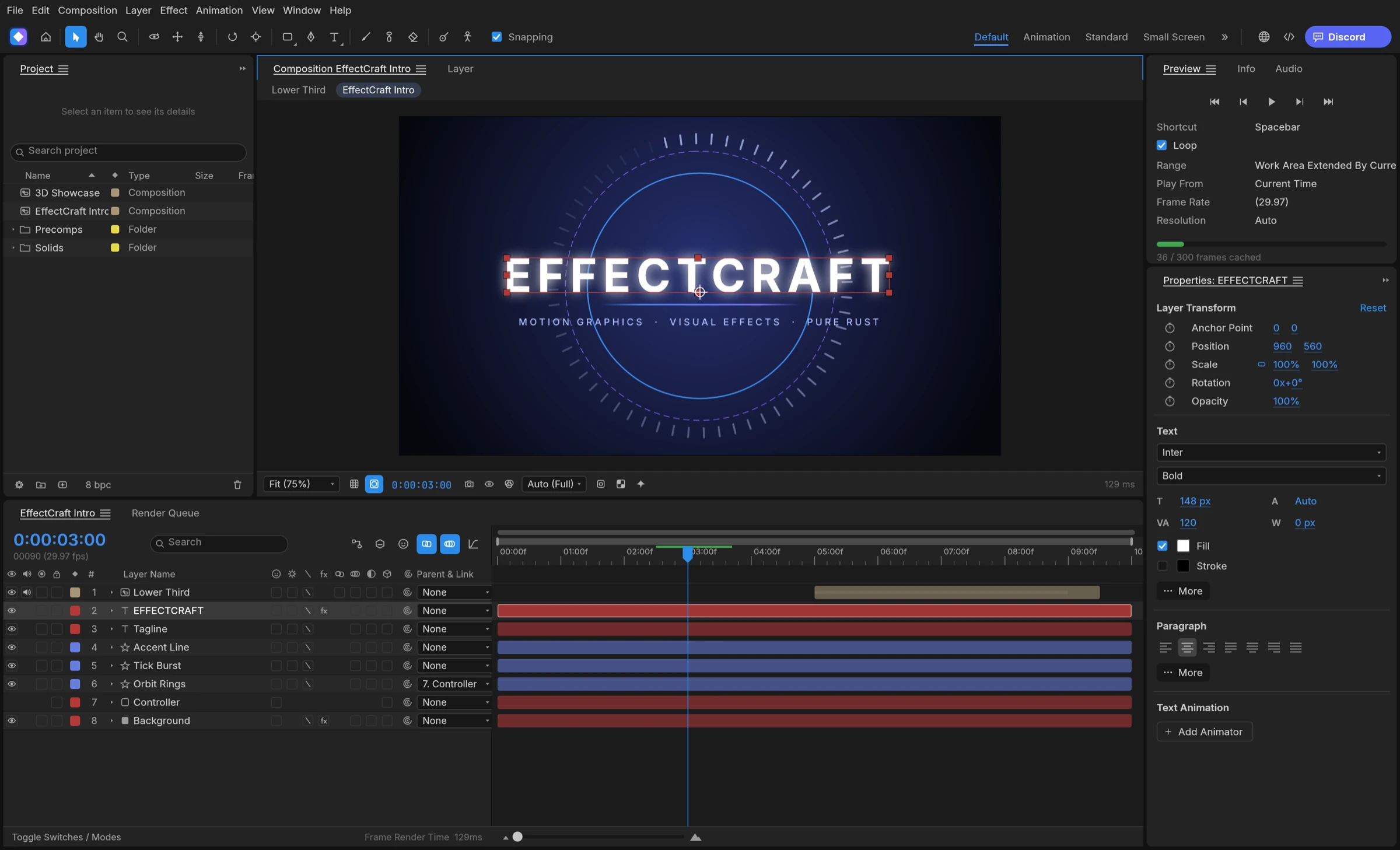

You can use EffectCraft in Japanese today: set the interface language to Japanese in the app’s settings, or keep the default Match System so the app follows your operating system’s language. The menus are fully translated, while panels and dialogs are only partly translated, according to the project’s documentation, so expect some English in the interface.
Switch EffectCraft to Japanese in Settings
The language setting lives on the General page of Settings, according to the project’s preferences reference. There are two ways to get Japanese menus.
- Open the app’s settings.
- Find the interface language setting among the General settings.
- Choose Japanese for a fixed choice, or Match System to follow the operating system.
- Close Settings. Menu labels change immediately, and the documentation says the switch applies without a restart.
Let EffectCraft follow your system language
Match System is the default. When your operating system’s interface language has an EffectCraft translation, the app uses it; otherwise it falls back to English. A Mac or PC already set to Japanese can therefore open EffectCraft in Japanese with no change at all. In the browser build, the language comes from a ?lang= value in the address first, then from the browser’s own language list.
These setting names come from the project’s documentation, not from our own screenshots, so they may differ slightly in the release you install.
What EffectCraft in Japanese covers today
Translation is still in progress. According to gaps.md, the menus are translated into Japanese and several other languages, and the panel catalog covers Japanese; the next steps it lists are effect and parameter names, the remaining panel strings and native-speaker review.
- Menus: translated in full.
- Panels and dialogs: partly translated, with English shown wherever a string has no translation yet.
- Effect names: most are translated into Japanese.
- Still in English: effect parameter names, engine messages such as property names, errors and undo labels, the in-app tutorials and the documentation.
Why you still see English
Each string missing from the Japanese catalog falls back to English instead of showing a blank, the preferences reference explains. That keeps every control readable while the catalog grows. If you follow Japanese tutorials written for other motion graphics apps, search for the English command name when a Japanese label is missing.
Fonts and vertical text with EffectCraft in Japanese
EffectCraft does not bundle a CJK font. Its Japanese interface uses the fonts installed on your system, and a self-hosted browser build needs its host to supply a Japanese font. The same language setting also tells the text engine to prefer Japanese glyph forms for Han characters in your compositions.
Vertical text and input
For Japanese titles, the localization notes list vertical text and Tate-Chu-Yoko in text layers, and IME input. Type with your usual Japanese input method in a text layer, then check line breaks and punctuation in the viewer before you render.
For animated Japanese captions and titles, combine this with text animators; our guide to kinetic typography in EffectCraft walks through the steps.