 EffectCraft
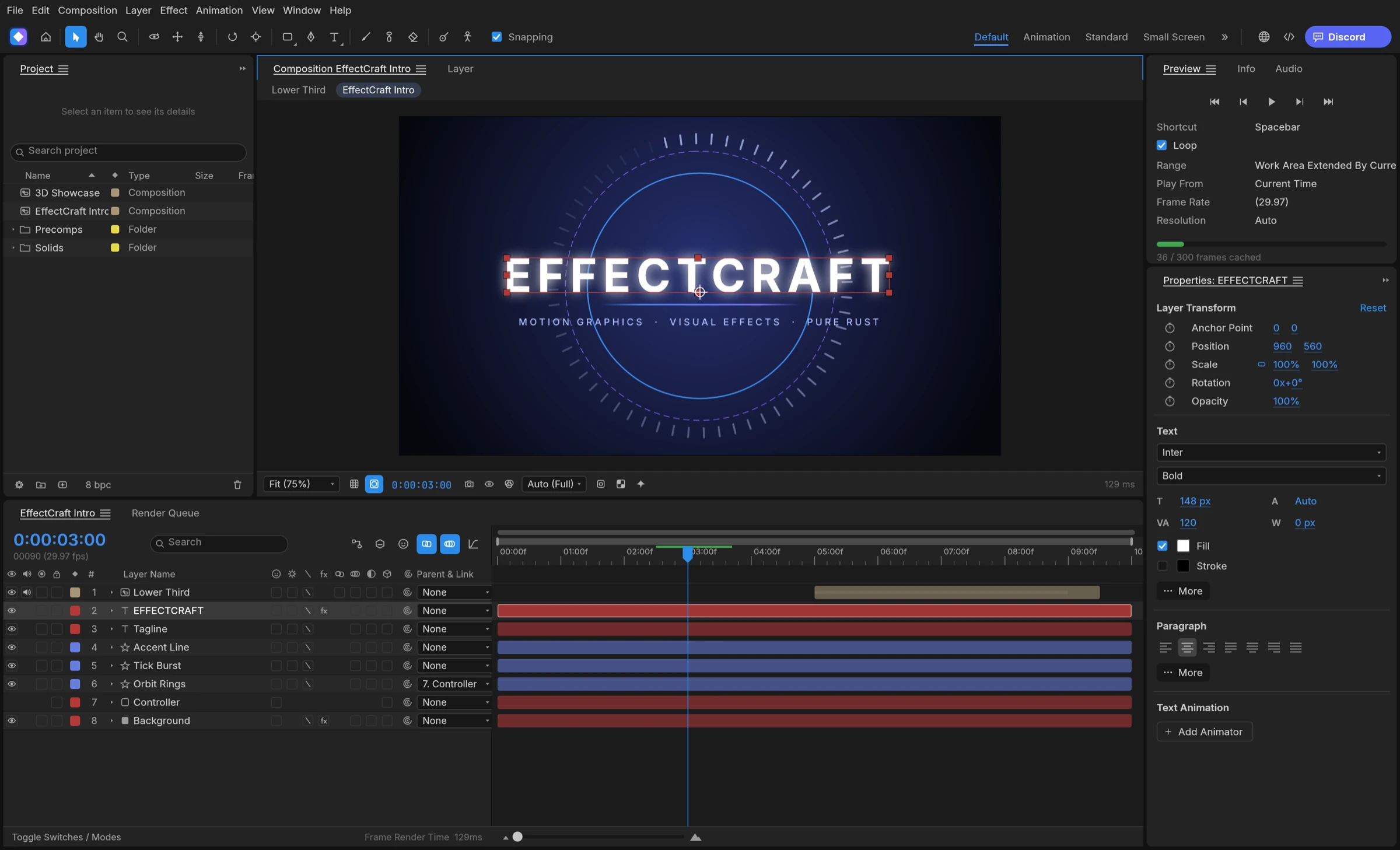

There is no EffectCraft mobile app: the project publishes no Android APK and no build for iPhone or iPad. What it does ship is a desktop app for Windows, macOS, Linux and FreeBSD, plus a web build that you host yourself. Below is what each of those means when the device in your hand is a phone.
If you have not met the app yet, the EffectCraft desktop app overview covers what it does.
What the EffectCraft project actually publishes
Every build lives on the project's latest GitHub release. The asset list has:
- Windows: an MSI installer and a portable zip, each for x64 and ARM64
- macOS: a universal app, plus a separate command-line tool
- Linux: AppImage, Flatpak, deb, rpm, tar.gz and Arch packages
- FreeBSD builds
- a web build zip
- a SHA256SUMS checksum list
There is no .apk file for Android and no .ipa file for iPhone or iPad. The README describes EffectCraft as "native on macOS, Windows and Linux, and in the browser" (README), and the project's own EffectCraft page on getartcraft.com lists its platforms as "macOS · Windows · Linux · Web".
EffectCraft APK files: where they come from
Search for an EffectCraft APK download and you will find files carrying the EffectCraft or ArtCraft name on third-party sites and repositories. The EffectCraft project did not publish any of them. This guide cannot vouch for APK files from other sources.
How to tell a real release from a renamed file
A filename proves nothing. The test is the asset list on the GitHub release: if a file is not there, it is not an EffectCraft release. That rules out every EffectCraft Android package you may come across, and the same goes for an EffectCraft iPhone download, because the project ships no iOS build at all.
Using EffectCraft on mobile through the browser build
The web build is the only part of the project that can reach a phone, and it is not a site you simply open. It is a static site you put on your own server, which the getartcraft.com page describes as "The WebAssembly app, to host yourself." Once hosted, it runs in a modern browser on WebGPU and falls back to WebGL2. To set it up, see how to use EffectCraft in a browser.
The open Android issue
On Android there is a known blocker. An open issue on the project's repository reports that the web build fails to start because it asks for a larger maximum texture size than the phone's graphics adapter offers. Until that issue is closed, a phone is not a dependable place to run the browser build.
Tablets: a feature request
Native tablet support has been requested but not built. An open feature request asks the maintainers to "Add Android and iOS support, at least for tablets".
The practical route: a desktop or laptop
For real work, use a computer. The README calls the EffectCraft page on getartcraft.com the easiest way to install it, while the GitHub release page carries every build and the checksum list.
- On the computer you will edit on, open the download guide and check which desktop file to download for your system.
- Download that file from getartcraft.com or the GitHub release.
- If you want to verify it, compare its checksum with the release's SHA256SUMS list.
- Install or unzip it, then launch EffectCraft.
- On Windows, if the app does not appear, read when EffectCraft won't open on a Windows laptop.
Which file fits which computer
- Windows: the MSI installs for your own account by default, without an administrator prompt, and the installer and executables are code-signed. The portable zip runs without installing. Pick ARM64 only for Windows on Arm laptops.
- macOS: one universal app covers Apple silicon and Intel Macs, and it is signed and notarised.
- Linux: AppImage runs without installing; Flatpak, deb, rpm, Arch and tar.gz packages suit the matching distributions.
- FreeBSD: x86_64 and aarch64 archives are on the release page.
If you are reading this on your phone, send yourself the link to the download guide now and open it on the Windows, macOS, Linux or FreeBSD machine you plan to work on. Korean readers can follow the same download steps in Korean.