 EffectCraft
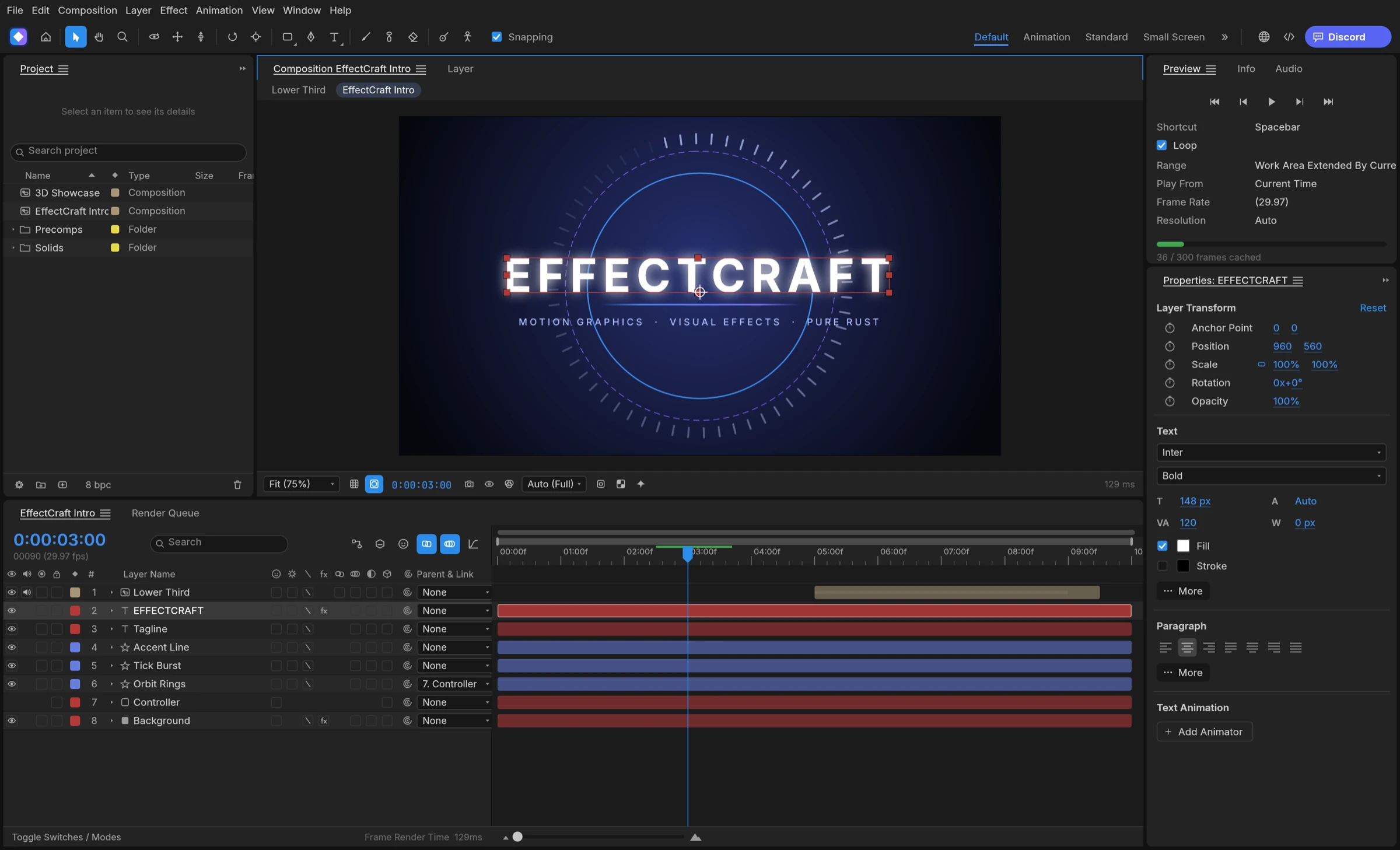

EffectCraft can import After Effects projects. According to the project's import documentation, it reads an .aep file or its XML form, .aepx, and adds what it understands to the project you have open. The importer is deliberately narrow, and anything it would leave out is listed in a losses prompt before the import goes ahead. Import of both formats has been in the release notes since v0.22.0, and v0.24.0 added drag-and-drop and the regular import dialog.
For the rest of the app, see EffectCraft's main features.
What carries over when you import After Effects projects
The import documentation lists, in broad strokes:
- the project tree: folders, compositions, solids and footage items
- composition settings: size, exact frame rate, duration, work area and background colour
- solid, null, adjustment, footage, precomposition, text, shape, camera and light layers, with their timing and time stretch
- transform properties and expressions
- text with its style runs, and text animators with range selectors
- masks, track mattes and layer styles
- markers and time remapping
- a growing list of effects, mapped by name
Imported items land in a folder named after the file, the way After Effects handles a project imported into another. The import documentation sums up its approach: the importer is "deliberately narrow: what it brings over is exact and tested, everything else is reported and never dropped silently."
Retimed clips
An enabled Time Remap arrives with its keys, interpolation, ease and expression. If you would rather build the retime again in EffectCraft, here is how to rebuild a speed ramp with time remapping.
What the losses prompt reports, and what it can't see
Before any import that would lose something, a losses prompt lists each category, how many occurrences are left out or changed, and every detail line. Effects that are not in the importer's table are named there, the most used first.
Two lists sit apart from the losses. Missing footage is one: the importer never opens footage, so a path that does not exist on your machine becomes a missing-footage placeholder. Missing fonts are the other, listed by PostScript name and not counted as losses.
Settings the importer cannot read
Some settings are invisible to the reader, so it can neither import nor count them. Every report names them:
- frame blending, 3D material options, audio levels and guides
- the mask colour, lock, feather falloff, motion blur and RotoBezier switches
- per-character 3D and text on a path
A report with no counted losses therefore does not mean those settings came across.
Step by step: import an .aep file and check it
The import menu has its own entry for After Effects projects, and a project picked in the regular import-file dialog, or dropped on the window, imports the same way.
- Open the project you want the After Effects items added to.
- Import the .aep file from the menu, or drop it on the window.
- Read the losses prompt. Cancel skips that file; if you dropped several projects, you are asked about each in turn.
- Accept, and EffectCraft opens the first imported composition. The whole import is one undoable edit, so a single undo removes everything it added.
- If footage placeholders appear, run the desktop relink command on the folder that holds your media. It searches that folder and its subfolders and relinks exact filenames whose type, dimensions and codec match the saved footage.
- Install any font the report lists, then render a few frames (a text animation, a masked layer, an effect) and compare them with renders of the same frames from the original project.
If the file is not a project, is damaged, or you refuse the losses, the open project stays as it was — nothing is changed until you accept. Once the import is done, the frame comparison in step 6 is the quickest way to confirm the result.
After the import: plug-ins, presets and batches
EffectCraft saves its own projects as .ecproj files, a readable, versioned JSON format. Third-party After Effects SDK plug-ins do not run in it, so a layer that depends on one has to be rebuilt; the guide to third-party After Effects plug-ins covers planning that. Presets and templates are a separate matter, covered under .ffx presets and .mogrt templates.
Batch imports from the command line
The command-line tool runs the same import. It refuses when anything would be lost unless losses are allowed, and a dry run returns only the report, so you can check each project before committing to it:
effectcraft-cli exec file.importAep '{"path":"in.aep","allowLosses":true}' out.ecproj --saveFor the broader picture, including render and plug-in gaps, read what else differs from After Effects.
Start with a small project, such as a lower third: a few layers, one text animation and an effect you know well. Import it, read the losses prompt line by line, then compare a handful of frames against renders from After Effects before you move a real job across.